PLG user onboarding is how a product-led company turns a signup into a user who stays and pays, with the product doing most of the teaching. The 10 ways below get more of your signups there: agree on the one action that predicts a user who stays, cut everything in the way of it, teach by doing, make the product easy to share, and ask for money only once users have seen it work.
What is PLG user onboarding?
PLG user onboarding, or product-led onboarding, is onboarding the product does itself. A new user signs up, sets up and reaches a first result through the product, its in-app guidance and its emails, without booking a demo first.
In sales-led onboarding, a salesperson closes the deal and a customer success manager walks the new customer through the product afterward. In product-led onboarding the order flips: users learn the product before they pay, and people step in only for the accounts that need them. If you're new to the model itself, start with our guide to product-led growth.
It matters because most signups never get far. The average B2B SaaS activation rate is 37.5%: nearly two in three signups never reach first value (Userpilot, 62 B2B SaaS companies). In a product-led funnel there's no salesperson to notice. Those users just stop logging in.
The three value moments
Product-led onboarding has to land three moments, in order. Each one has its own job, and each can be measured.
| Stage | What happens | Where it shows |
|---|---|---|
| Value perception | The user understands what the product will do for them | Signup and the first screen |
| Value realization | The user gets a real result in the product for the first time | The activation point |
| Value adoptionGoal | The product becomes part of their week, and they pay for it | Weekly use and the upgrade |
Most onboarding work stops at the first moment: a welcome tour that explains the product. The money is in the second and third. The 10 ways below are in roughly the order a new user meets them.
1. Agree on the activation point
Every product has an action that separates users who stay from users who leave: creating a first project, connecting a data source, sending a first invoice. That's the activation point, the measurable version of value realization. Everything else on this list exists to get more users there, sooner.
Don't pick it in a meeting. Compare what retained users did in their first week with what churned users did, and choose the action with the biggest gap. Then make it the one number product, marketing and success all report. Our guide to tracking activation metrics shows how to find it.
2. Make signup take seconds
Every field on a signup form is a reason to leave before you've shown anything. Ask only for what you need to create the account, and collect the rest later, when the user has a reason to give it.
- Offer single sign-on with the accounts your users already have at work, so signup is one click.
- Let users in before email verification where your product allows it, and verify in the background.
- Land users on a first step, not a settings page. The first screen after signup should ask them to do one thing.
3. Ask one question, then personalize
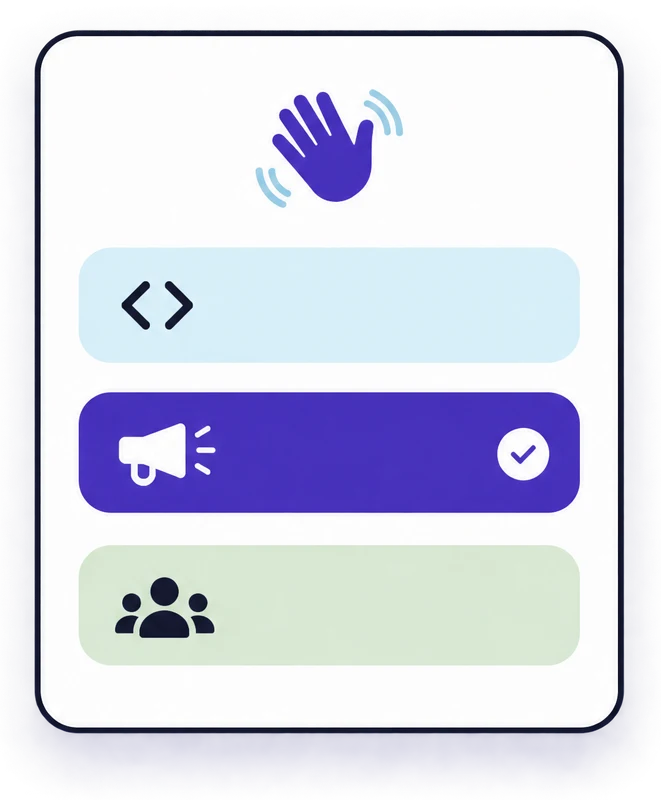
A developer and a team lead signing up for the same tool want different things on day one. One question on a welcome screen ("What do you want to do first?" or "What's your role?") lets you show each of them the right first step.
Keep it small. Start with two or three paths, each ending at the same activation point, and change the order of what users see, not the product itself: which template loads, which checklist items show, which feature comes first. Add a path only when the data shows a group getting stuck. We cover paths in more depth in self-serve onboarding best practices.
4. Replace empty screens with templates and sample data
A new account is empty, and "No data yet" teaches nothing. In a product-led funnel, the first empty screen is often where value perception dies.
- Templates let users edit something instead of starting from a blank page.
- Sample data shows what a dashboard or report looks like when it's working, so users know what they're setting up.
- One clear action on every empty state: "Connect your data source to see your own numbers here."
5. Teach by doing, with a checklist and walkthroughs
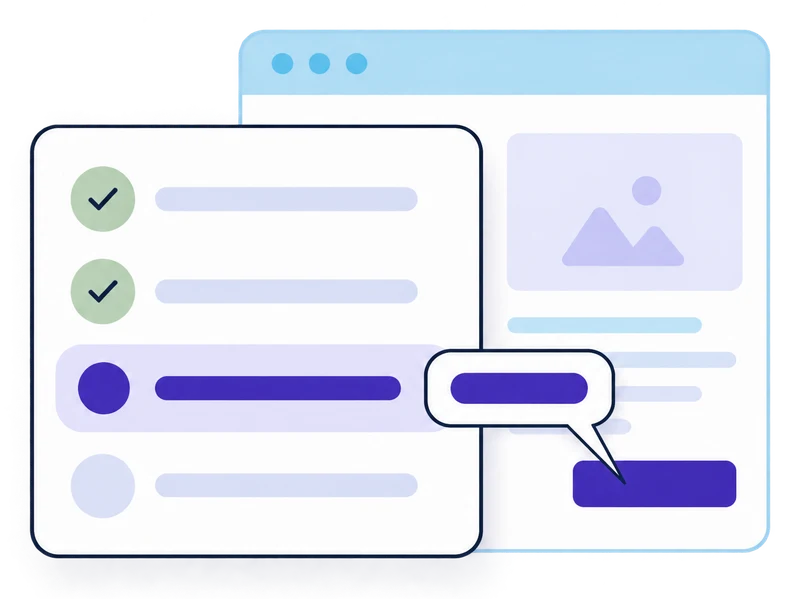
A tour that points at every button and asks users to click "Next" gets skipped. A walkthrough that has users do the real step (create the project, connect the source) ends with a result.
Pair it with a short checklist: three to five items, each a step toward the activation point, each opening the walkthrough that does it. "Send your first invoice" earns its place; "Complete your profile" doesn't. Tools such as Appcues (onboarding checklists) and Chameleon (tours) build both; our comparison of the two helps you choose. For the detail, see what a user onboarding checklist should include and how to create product walkthroughs.
6. Make inviting teammates part of setup
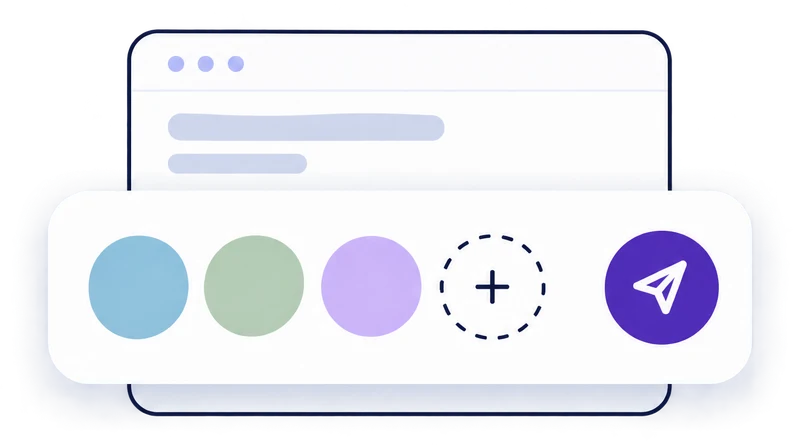
A product used by one person at a company is easy to drop; a product a team works in every day is not. Invites are also how a product-led company grows without paying for every signup: each new teammate is a new user who arrived through the product.
So don't leave the invite in a settings menu. Put it where it helps the first user get their result: assigning a task, sharing a report, asking for a review. An invite that solves the user's problem gets sent. An invite that only helps you grow doesn't.
7. Send messages based on what users did
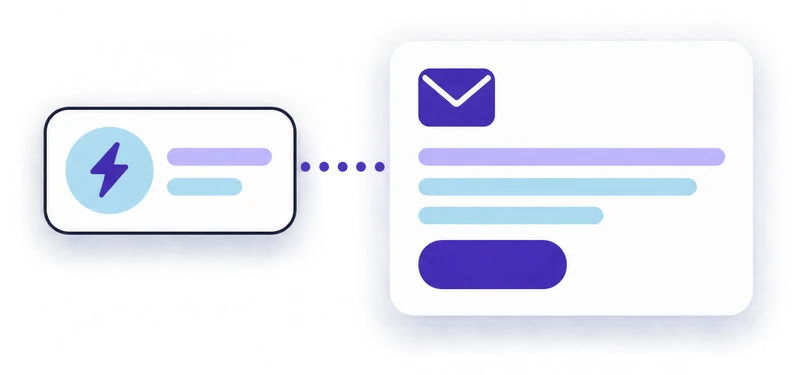
Most users won't activate in one session. Emails and in-app messages bring them back, if they're about what the user actually did.
- Trigger on behavior, not the calendar. "You created a project but didn't connect your data. Here's how" beats a generic day-three email. Customer engagement tools such as Customer.io send messages from the events in your product.
- One action per message, the next step toward the activation point.
- Stop when the user is done. Someone who activated doesn't need the reminder.
- Mark the milestones. A short note when a user reaches their first result tells them it worked and what to try next.
8. Show the upgrade at the moment of value
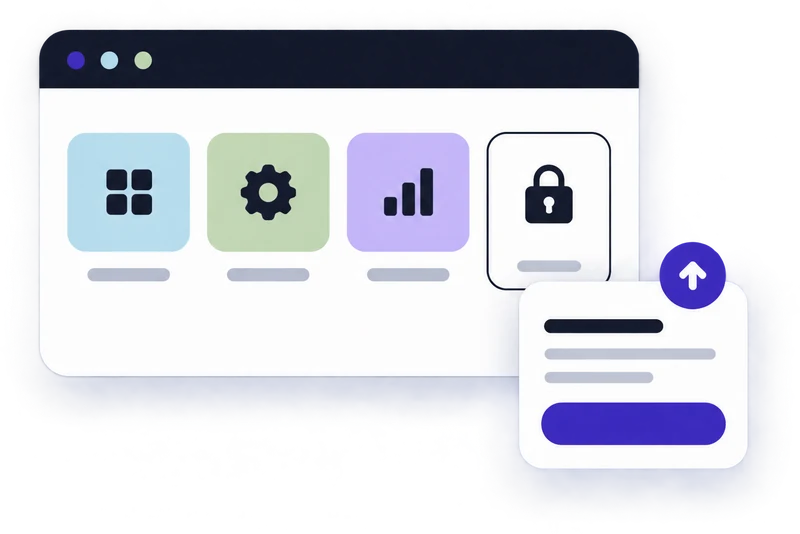
Value adoption ends in a payment, and when you ask matters as much as how. A paywall before the first result asks users to pay for something they haven't seen work. The upgrade prompt that converts appears when a user who already gets value needs more of it: a project limit reached, a teammate who can't be added, a report that needs the paid plan.
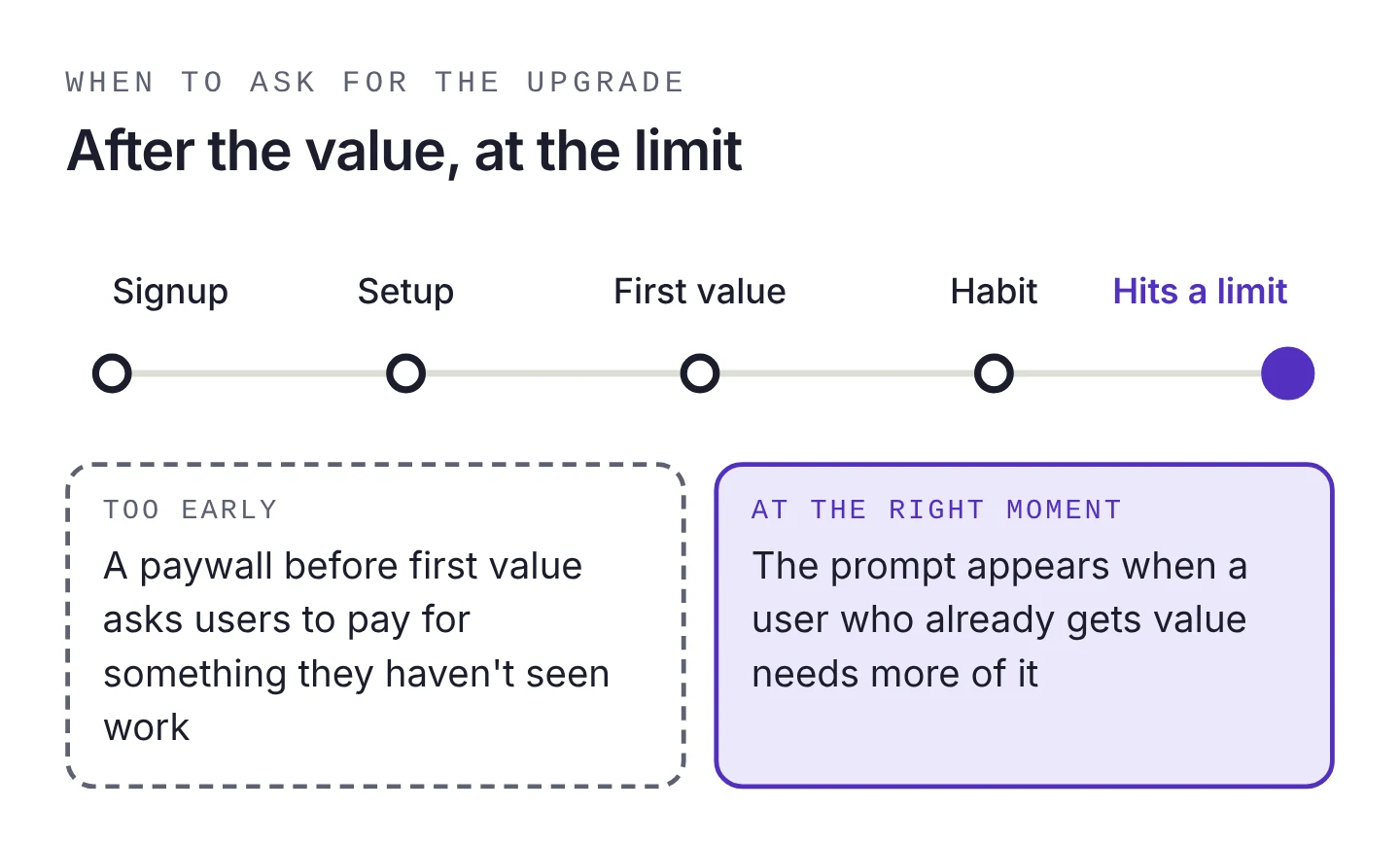
Draw your free plan's limits around that moment. If users hit a limit before they've seen value, it's in the wrong place. If they never hit one, they have no reason to pay. Our Feature Gating Sprint matches limits and upgrade prompts to how your users actually use the product.
9. Hand the right accounts to a person
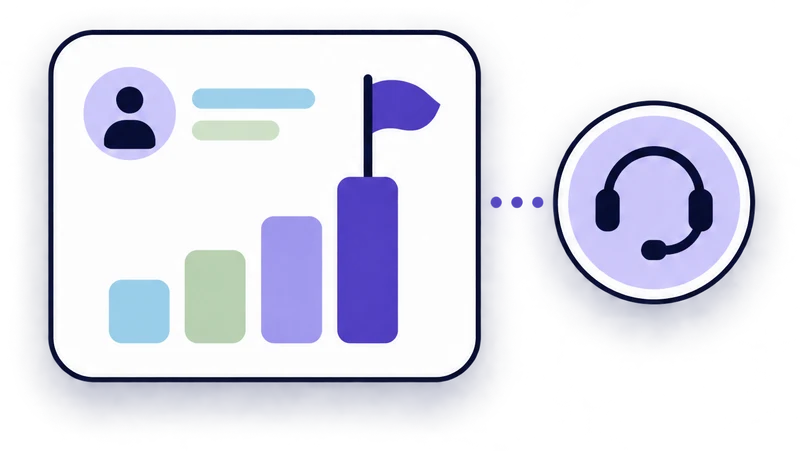
Product-led doesn't mean no people. It means people go where they make a difference. Some accounts show in the product that they're worth a conversation, and those are product-qualified accounts (often called product-qualified leads).
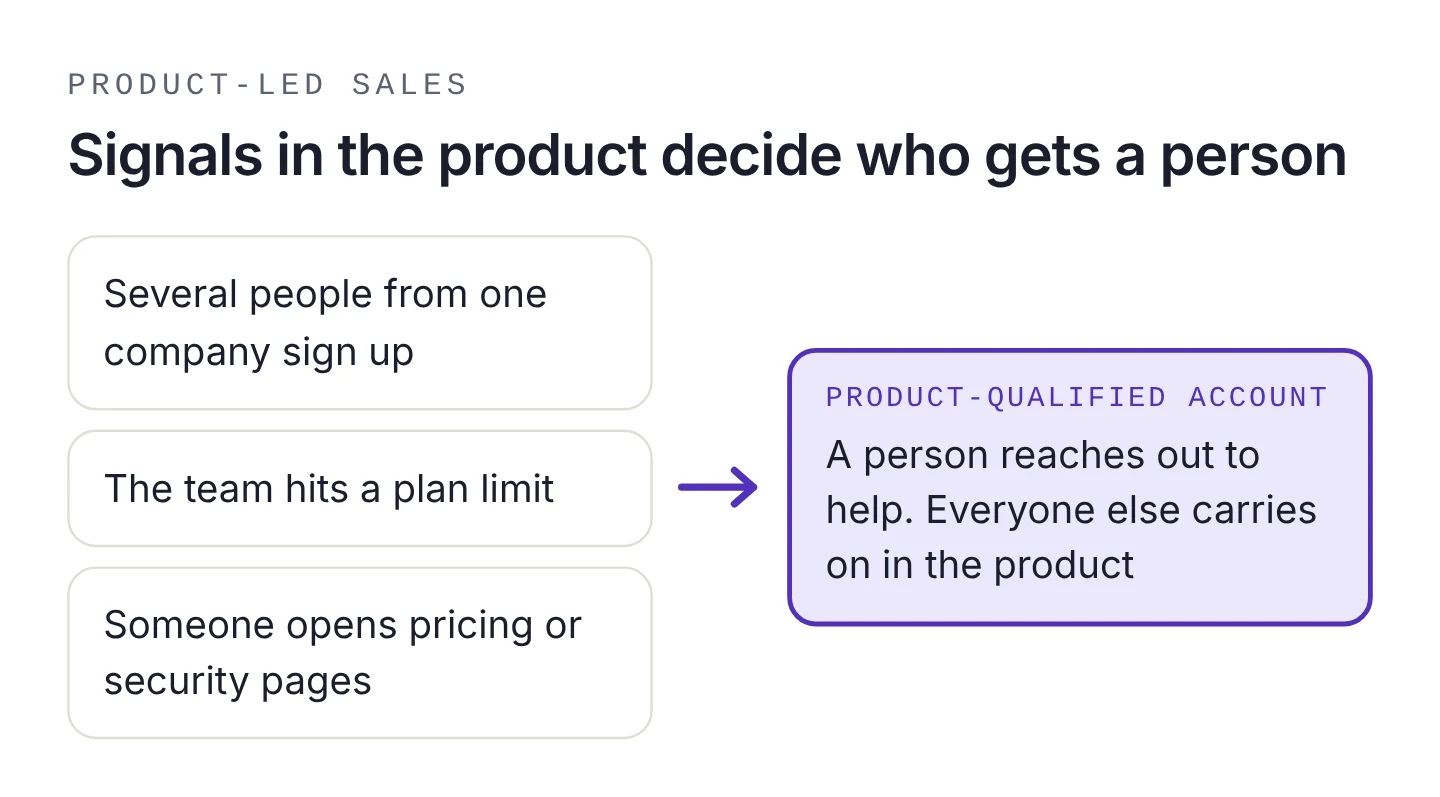
Agree on two or three signals with sales and success, send those accounts to a person, and leave everyone else to the product. The person's job is to help the account reach its outcome, not to restart the sale. When a new customer needs other people or systems before it sees value, that's customer onboarding, and most B2B products need a bit of both.
10. Measure every step, then test one change at a time
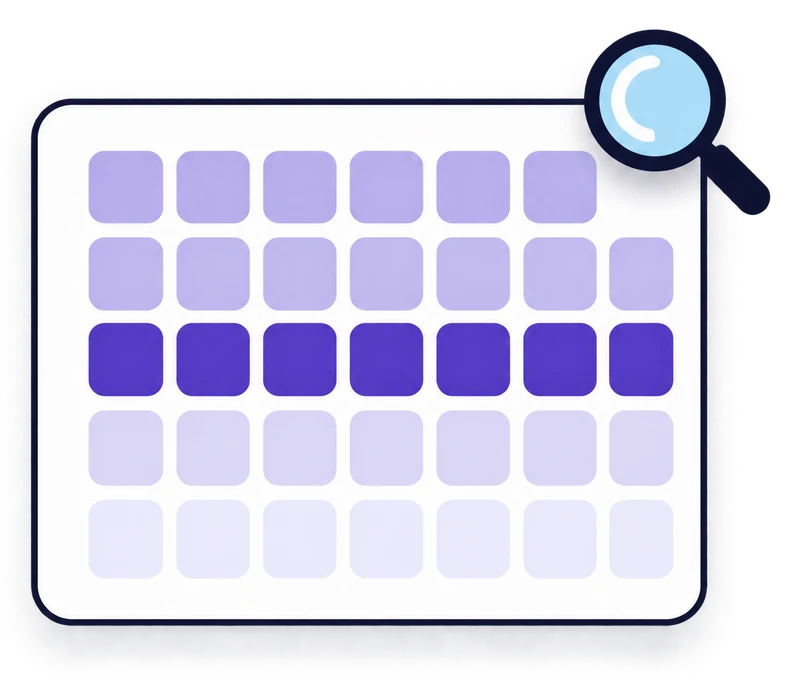
Track every step from signup to the activation point, then on to the upgrade, and you'll see where users drop off. Read the numbers by signup cohort (everyone who signed up in the same week), so you can tell whether a change worked or the month was just different.
| Number | What it tells you |
|---|---|
| Activation rate | The share of signups who reach your activation point. B2B SaaS average: 37.5% (Userpilot, 62 B2B SaaS companies) |
| Time to value | How long it takes them. Average across B2B SaaS: 1 day, 12 hours (Userpilot, Benchmark Report 2025) |
| Drop-off by step | Which step between signup and activation loses the most users |
| Invite rate | The share of new accounts where a second person joins |
| Free-to-paid conversion | Whether more activated users means more paying customers |
Then test one change at a time, run it until it has enough users to trust, and write down what you learned. Ask users too: a one-question survey after the activation point or a short call with someone who left will often explain a drop the numbers only show. If you don't know where your users drop off yet, where B2B SaaS users actually drop off is the place to start.
Mistakes to avoid
PLG onboarding checklist
Use this to check your own onboarding, one line at a time. Each line is one of the 10 ways above.
- The activation point agreed, measured and reported by every team.
- A signup form with only the fields you use, and single sign-on.
- One question at signup and two or three paths behind it.
- Templates or sample data on every empty screen.
- A three-to-five-item checklist whose items open walkthroughs.
- Invites placed where they help the first user get their result.
- Emails and messages triggered by what users did.
- Plan limits and upgrade prompts after first value.
- Two or three signals that send an account to a person.
- Drop-off tracked at every step, by signup cohort.
How we help
Our 48-hour diagnostic shows where your signups drop off between signup and paid, from your own data, and what the fix is worth. Our Onboarding Sprint builds it in 14 business days: in-app guides, emails and tracking in the tools you already use. Book a 20-minute call with Jamie to talk it through.
Questions
What is PLG user onboarding?
PLG user onboarding, or product-led onboarding, is onboarding the product does itself. New users sign up, set up and reach their first result through the product, its in-app guidance and its emails, without a sales call or a demo first.
How is product-led onboarding different from sales-led onboarding?
In sales-led onboarding a salesperson or customer success manager walks each new customer through the product after they buy. In product-led onboarding the product teaches users before they pay, and people step in only for the accounts that need them.
How do you improve PLG user onboarding?
Agree on the activation point and shorten the path to it, make signup take seconds, ask one question to personalize, replace empty screens with templates or sample data, teach by doing, make inviting teammates part of setup, send messages based on behavior, show the upgrade at the moment of value, hand qualified accounts to a person, and measure every step by signup cohort.
What metrics show whether product-led onboarding works?
Activation rate, time to value, drop-off at each step between signup and activation, free-to-paid or trial-to-paid conversion, and how many users invite a teammate. Read each one by signup cohort so you can see whether a change worked.