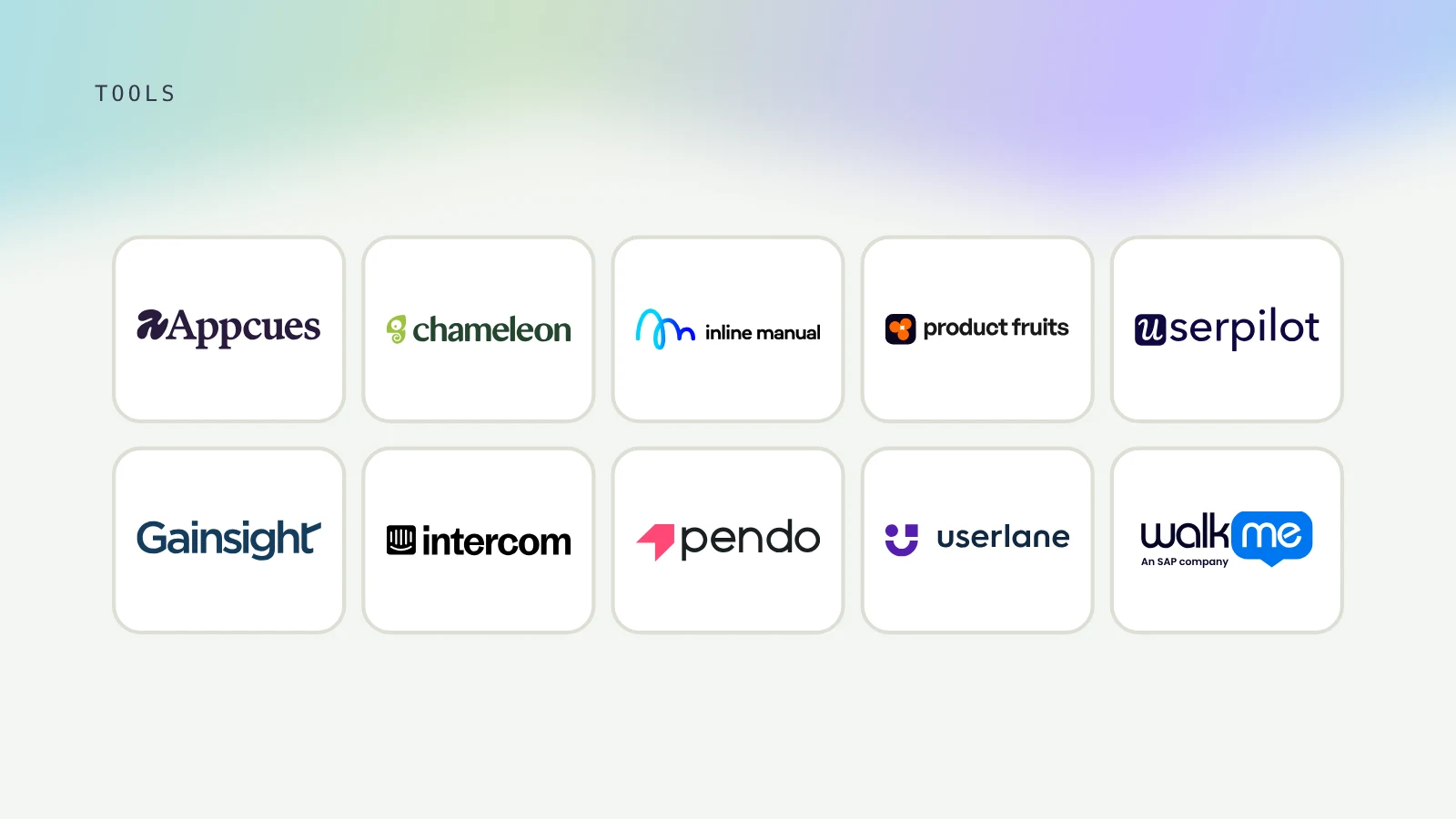
The best user onboarding tool for a self-serve SaaS product is one built for guiding your own customers to value, without a developer for every change. Five tools on this list are built for exactly that: Appcues, Chameleon, Inline Manual, Product Fruits and Userpilot. Three come at onboarding from analytics, customer success or support. Two are mainly for helping large companies' employees use their work software. Pick the group first, then the tool.
What does a user onboarding tool do?
A user onboarding tool lets your product or growth team add guidance inside your product (tours, tooltips, checklists, in-app messages and help) and show it to the right users, without shipping code each time. The good ones also tell you who saw the guidance and whether they went on to take the action it pointed to.
What a tool can't do is decide what the guidance should lead to. That's the action that predicts a user who stays and pays, and it comes from your own data. Teams that buy a tool first usually end up with a tour of every feature, which few users finish. Our guide to user onboarding covers what to guide people through.
How we put this list together
We help self-serve SaaS teams turn signups into paying customers, and we build onboarding inside the tools our clients already use. This list covers the tools we see most often in that work. Each description reflects how the company describes its product today. We've left prices out, because they change often and most of these tools price by monthly active users. Ask each vendor for a quote at your volume.
The numbers group the tools; they aren't a ranking. Within each group the tools are in alphabetical order.
The 10 tools at a glance
| Tool | Built for | Best when |
|---|---|---|
| Appcues | Self-serve product onboarding | You want in-app, email and push guidance in one place |
| Chameleon | Self-serve product onboarding | You want detailed in-app guidance that matches your product's design |
| Inline Manual | Self-serve product onboarding | You want tours, tips and tutorials, plus help content, in one tool |
| Product Fruits | Self-serve product onboarding | You want a no-code tool you can try without a sales call |
| Userpilot | Self-serve product onboarding | You want onboarding, adoption and retention work across web and mobile |
| Gainsight PX | Customer success first | Your customer success team already runs on Gainsight |
| Intercom | Support first | You already run support in Intercom and need simple guidance |
| Pendo | Analytics first | You want product analytics and in-app guides together |
| Userlane | Employee software | You roll out software to staff in a regulated industry |
| WalkMe | Employee software | You support employees across many enterprise applications |
Built for self-serve product onboarding
1. Appcues
Appcues (opens in a new tab) describes itself as a customer engagement platform that triggers in-app, email and push messages when users are paying attention. Its strength for onboarding is reaching users both inside and outside the product: a tour in the app, then an email to the user who left halfway through setup. Product and marketing teams can build flows without code. If you're choosing between Appcues and Chameleon, we compare them feature by feature in Appcues vs Chameleon.
2. Chameleon
Chameleon (opens in a new tab) is an in-app guidance tool: tours, tooltips, launchers and other in-product experiences, targeted by user segment. It now describes itself as a system that learns your product, finds friction and creates and monitors in-app guidance. It suits teams that care about guidance looking like part of their product rather than a layer on top. It is in-app only, so pair it with your email tool for anything outside the product.
3. Inline Manual
Inline Manual (opens in a new tab) calls itself a digital adoption platform, built around interactive tours, tips and tutorials that guide users to their goals. It combines in-app walkthroughs with help content, which suits products where users come back to the same how-to questions. As with any tool here, check that its integrations fit your stack before you commit.
4. Product Fruits
Product Fruits (opens in a new tab) is no-code onboarding software for building flows, checklists, tours and in-app help without developers. It offers a 14-day free trial with no credit card, so you can build a real flow on your own product before you talk to anyone. That makes it a good fit for smaller teams that want to move quickly. We wrote a guide to product walkthroughs with them.
5. Userpilot
Userpilot (opens in a new tab) describes itself as a no-code product growth platform for onboarding users, driving feature adoption and improving retention, across web and mobile. Beyond tours and checklists, it adds product analytics and in-app surveys, so you can see where users drop off and change the guidance in one place. It suits teams that want one tool for the whole journey after signup.
Analytics, customer success or support first
6. Gainsight PX
Gainsight (opens in a new tab) is a customer success and retention platform; Gainsight PX is its product experience tool, with product analytics and in-app guidance. It makes the most sense when your customer success team already works in Gainsight, so product usage and health scores sit side by side. For a small self-serve product, it's usually more than you need.
7. Intercom
Intercom (opens in a new tab) is mainly a customer service platform, with an AI agent called Fin answering customer questions. If you already run support in Intercom, its in-app messages and product tours can cover simple onboarding before you add a dedicated tool. Teams that outgrow it usually move the onboarding to one of the tools in the first group and keep Intercom for support.
8. Pendo
Pendo (opens in a new tab) combines product analytics with in-app guides, and now describes itself as product context for your apps and AI agents. Its strength is seeing which features people use and guiding them in the same tool. It fits product teams that want analytics and guidance together, and larger companies more than very small ones.
Built for employee software
9. Userlane
Userlane (opens in a new tab) is a software adoption platform for regulated industries: healthcare, financial services, manufacturing and pharma. It helps companies see where the applications their staff use create friction, and fix it in context. It's built for rolling out software to employees, not for onboarding your own customers.
10. WalkMe
WalkMe (opens in a new tab), an SAP company, is a digital adoption platform that sits over every application a large company's employees use, with guidance, cross-application workflows and automation. It's powerful, and made for enterprises supporting their own staff. For onboarding a self-serve product's users, the first group is a better fit.
Which kind of tool do you need?
Onboarding needs more than in-app guidance. The main kinds of tool, and what each is for:
- In-app guidance: tours, tooltips and checklists that lead new users to the action that matters. The first group above.
- Lifecycle email: messages for users who leave before they get there. Some guidance tools include it (Appcues); most teams use their email tool.
- Product analytics: the funnel from signup to that action, so you know where to put guidance. PostHog, Amplitude and Mixpanel are common.
- Session replay and in-app surveys: why users stop. Many analytics tools now include replay, and several guidance tools include surveys.
- Help content: answers inside the product, so a stuck user can keep going without opening a ticket.
- Customer success software: health scores and milestones per account, once you have too many accounts to watch by hand.
How to choose by stage
Early stage, a few hundred users. One in-app guidance tool, basic help content and one question asked at the right moment. You can still talk to every new account, so you don't need health scores yet.
Growing, hundreds of new accounts a month. Add session replay and lifecycle email, and give someone ownership of the funnel from signup to first value. At this volume you can't watch every account, so the tools have to show you where users get stuck.
Larger, with sales-led accounts too. Add customer success software with milestones per account, and make sure the sales team's notes reach the people onboarding each customer.
What to decide before you buy
No tool fixes onboarding that has no goal. Before you book a demo, answer three questions:
- What does a successful new user do, in their first week, that predicts they'll stay and pay?
- Where, step by step, do new users stop before they do it?
- Who on your team will own the guidance and change it every month?
With those answers, a demo becomes a check: can this tool guide users to that action, at that step, and can your team run it? If you don't have the answers yet, How to evaluate your SaaS onboarding process walks through finding them.
Want the onboarding built for you?
We design and build onboarding in the tools you already use: the guidance, the emails and the tracking to show whether it worked. Our Onboarding Sprint does it in 14 business days. If you're not sure where to start, our 48-hour diagnostic finds where your users stall from your own data, or book a 20-minute call with Jamie.
Questions
What is a user onboarding tool?
Software that shows guidance inside your product without your developers building it each time, such as product tours, tooltips, checklists, in-app messages and help widgets. Most also target guidance by user segment and report who completed it.
Do you need an onboarding tool for a self-serve SaaS product?
Not on day one. Until you know which action predicts a user who stays, a tool mostly adds tours nobody needs. Define that action first, then pick a tool to guide users to it.
What is the difference between a user onboarding tool and a digital adoption platform?
User onboarding tools guide your customers through your product. Digital adoption platforms, such as WalkMe and Userlane, mostly guide a company's own employees through the software they use at work, across many applications.
Which onboarding tool is best for a small SaaS team?
One of the self-serve tools in the first group of this list, chosen on how your team works and what it costs at your number of monthly active users. Ask each vendor for pricing at your volume, since most price that way.