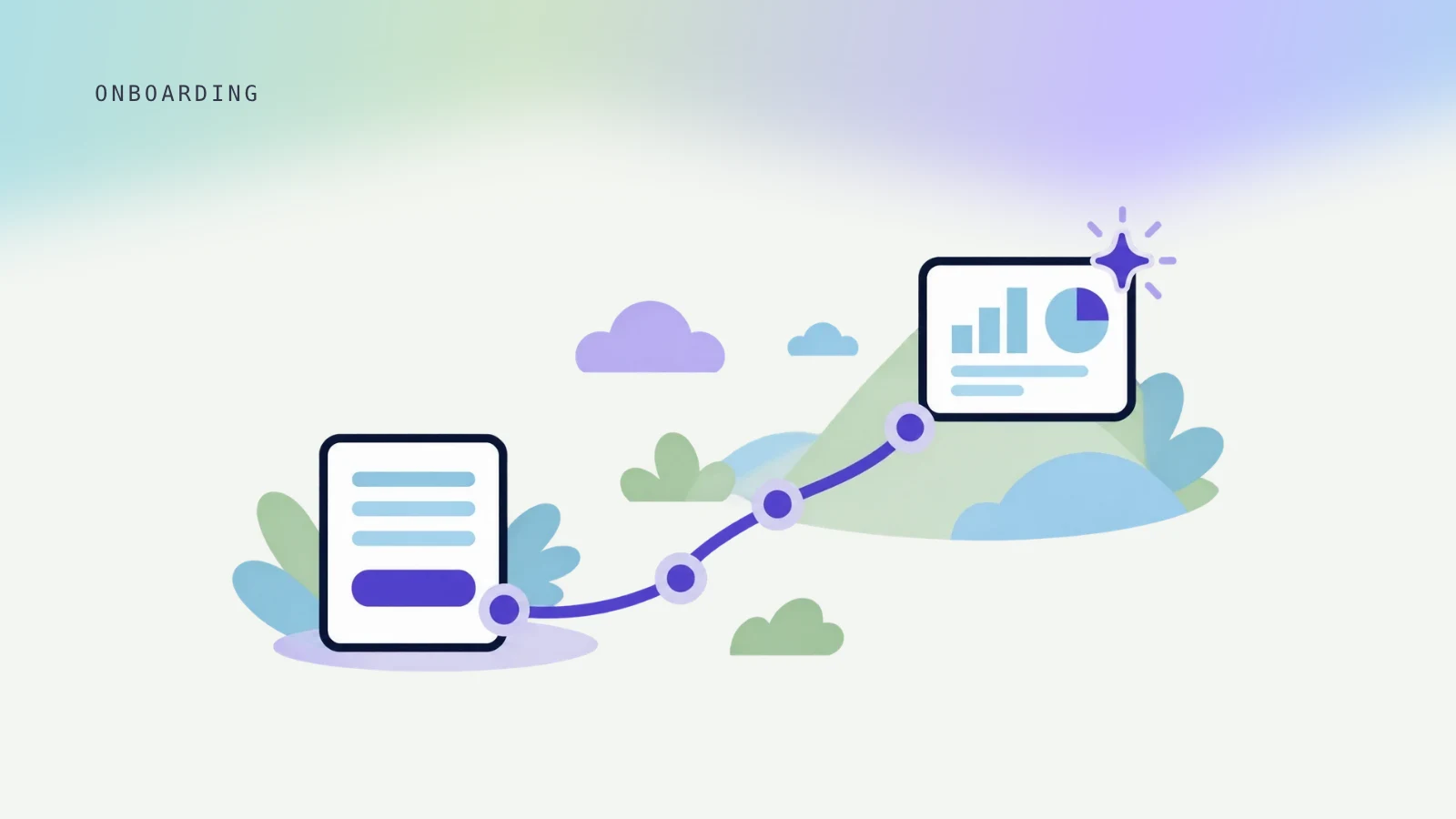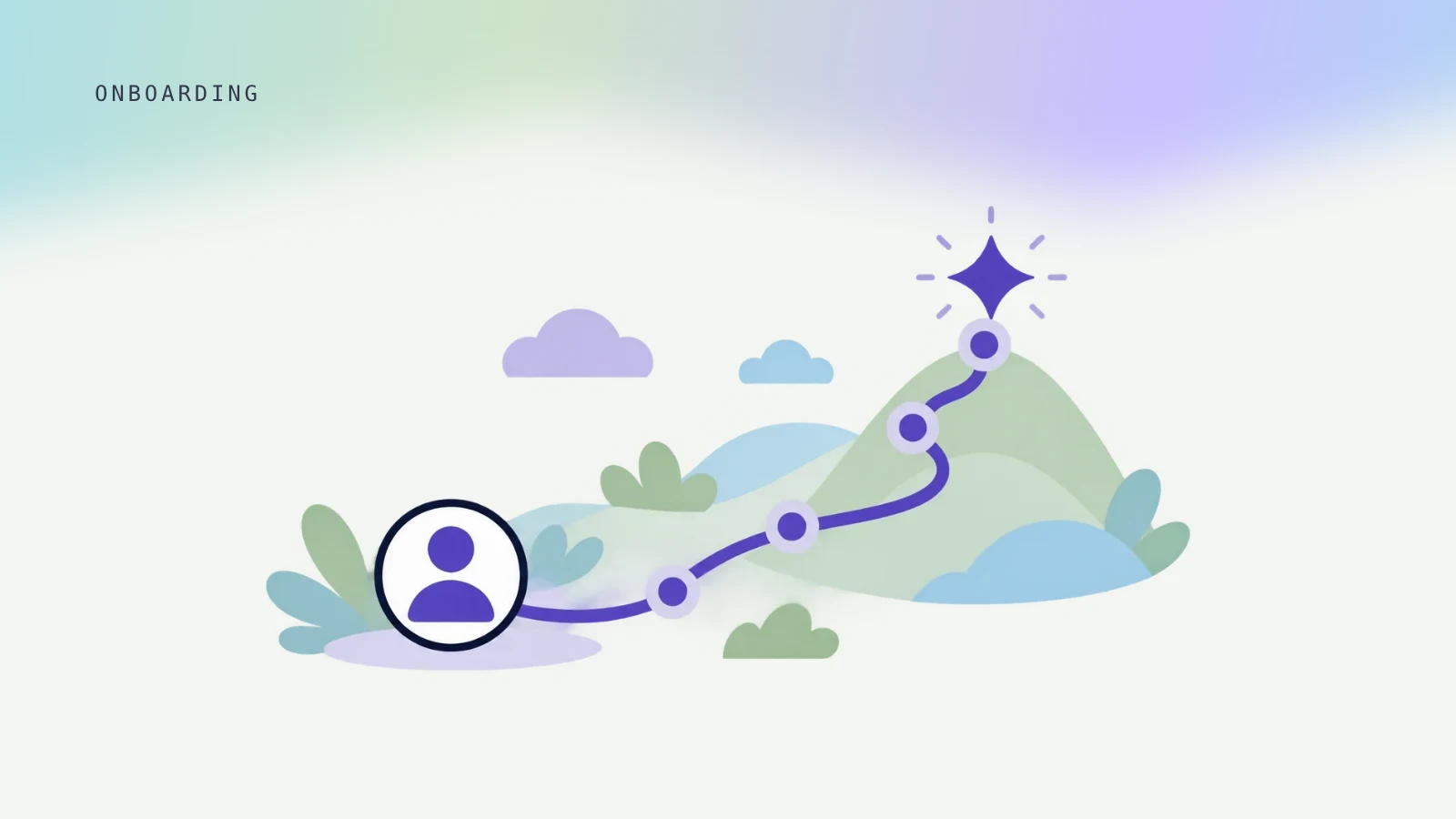
User onboarding is how a new user gets from their first interaction with your product to the first result they came for, and from there to using it as a habit. It runs in four stages: before the first login, the first experience, setup to value, and first value and beyond. At each one, the question is the same: does this help the user succeed faster, or does it just explain the product?
What is user onboarding?
User onboarding is the process of guiding a new user from signup to first value, and ideally to repeated value. It isn't one welcome email, a checklist or a product tour. Those are tools. The job is to get this particular user to succeed with your product, quickly and confidently.
It's one part of a bigger picture. SaaS onboarding is the whole system that turns signups into paying, retained customers. Customer onboarding gets a whole paying account to its outcome. User onboarding is about one person inside the product. We explain where they differ in user onboarding vs customer onboarding.
Why does user onboarding matter?
Because most new users never get to value. The average B2B SaaS activation rate is 37.5%: nearly two in three signups never reach first value (Userpilot, 62 B2B SaaS companies). Each of them cost as much to acquire as a user who stayed.
Good user onboarding pays off in four ways:
- More users reach value, so more trials and free plans convert to paid.
- Fewer new customers leave, because they got what they came for.
- Fewer basic support questions, because the product answers them.
- More upgrades, because users who start well go on to use more of the product.
The four stages of user onboarding
| Stage | What the user needs | What helps | Number to watch |
|---|---|---|---|
| Before the first login | To know what they'll get, and a fast way in | A short signup form, single sign-on, an email that sets up the first step | Signup completion rate |
| First experience | One clear next step | A welcome screen that asks their goal or role and points to one action | Share who take the first key action |
| Setup to value | The fewest steps to a first result | Smart defaults, templates, sample data, a short checklist | Share who finish setup |
| First value and beyondGoal | To see the result, and what comes next | A clear "it worked" moment, then the next useful feature | Activation rate and week-4 activity |
1. Before the first login
Onboarding starts before the product does. The landing page and signup form set expectations: what the user will get and how long it takes. Keep the form to what you'll actually use, offer single sign-on, and send the confirmation email fast. The first email should point to the one thing to do first, not list every feature.
2. The first experience
Greet users by name and ask one question that changes what they see, such as their role or what they want to get done. Then show one meaningful next step. A product tour is only worth it if it helps the user get a result faster. If it explains buttons, skip it.
3. Setup to value
This is where most users drop off. Cut the work: pre-fill what you can, offer templates or sample data so screens aren't empty, and remove dead ends. Frame each step as progress toward the user's goal ("publish your first report"), not as a task for its own sake ("upload a profile photo"). Our five-stage view of where users drop off shows where to look first.
4. First value and beyond
When the user gets a result, make it visible: "Your report is live" says more than "Step 6 of 6 complete." Then bridge to long-term use: show the next feature that builds on what they just did, and use nudges, not nags, to bring them back. Our guide on tracking and improving activation covers what to measure here.
The parts of a good user onboarding flow
- Signup form: as few fields as possible, clear error messages, single sign-on.
- Welcome email: personal, about the user's goal, with one clear call to action.
- Welcome screen: friendly, short and pointed at the first action.
- Onboarding checklist: a few real milestones, with completed steps marked. See what a user onboarding checklist should include.
- Interactive walkthroughs: triggered on the screen where they're needed, with tooltips the user can skip or pause. See how to create product walkthroughs.
- Empty states: every blank screen shows what to do next.
- Lifecycle emails and in-app messages: sent on what the user has or hasn't done, to bring them back to the next step.
- Help content: short articles and videos linked from the screens where questions come up.
Onboarding tools can run most of these without a developer for every change; we compare them in the top 10 user onboarding tools.
Common user onboarding mistakes
How do you measure user onboarding?
Don't just measure completion. Measure outcomes.
| Number | What it tells you |
|---|---|
| Time to value | How long new users take to reach their first result. Median across SaaS: 1 day, 12 hours (Userpilot, 2025) |
| Activation rate | The share of new users who reach your activation point |
| Support load | The share of new users who need help to get started |
| Retention by cohort | Whether each month's new users keep coming back |
Read them by signup month, so you can see whether a change worked.
Who should own user onboarding?
- Product owns the self-serve experience in the app.
- Customer success owns onboarding for larger accounts that get a person.
- Growth or marketing measures drop-off, runs tests and owns the lifecycle emails.
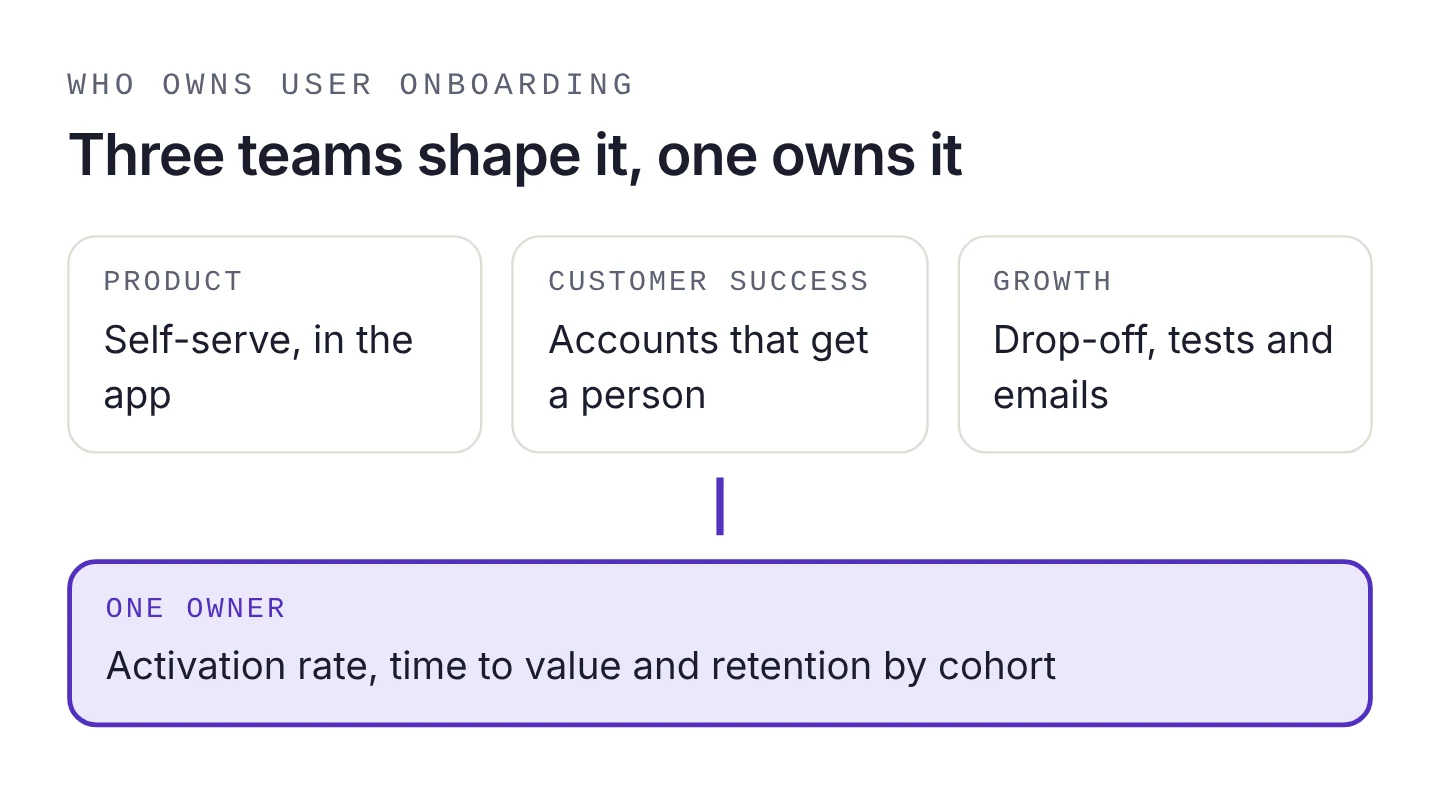
All three shape it, so one person should own the activation numbers across them. Otherwise everyone works on their part and nobody owns the result.
User onboarding checklist
- The action that predicts a user who stays, agreed and measured.
- A signup form with only the fields you use.
- A first email and a first screen that point to one action.
- One or two paths by role or goal.
- No empty screens: templates, sample data or a next step.
- A short checklist of real milestones.
- Walkthroughs triggered where they're needed, and skippable.
- Emails sent on behavior, not on a timer.
- Drop-off tracked at every stage, by signup cohort.
How we help
Our 48-hour diagnostic shows where new users drop off between signup and paid, from your own data. Our Onboarding Sprint builds the fix in 14 business days: in-app guides, emails and tracking in the tools you already use. Book a 20-minute call with Jamie to talk it through.
Questions
What is user onboarding?
User onboarding is the process of guiding a new user from their first interaction with your product to the first result they came for, and then to using it again and again. It covers signup, the first screens, setup, in-app guidance and the emails that bring users back.
What are the steps of user onboarding?
Four stages, for most SaaS products. Before the first login (signup and the first email), the first experience (one clear next step), setup to value (the fewest steps to a first result) and first value and beyond (marking the result and showing what comes next).
What are the benefits of user onboarding?
More users reach value, so more trials convert and fewer new customers leave. Users who get started properly also ask fewer basic support questions, use more of the product and are the ones who upgrade.
Who should own user onboarding?
Product usually owns the self-serve experience in the app, customer success owns onboarding for larger accounts and growth measures drop-off and runs tests. One person should own the activation numbers across all three.